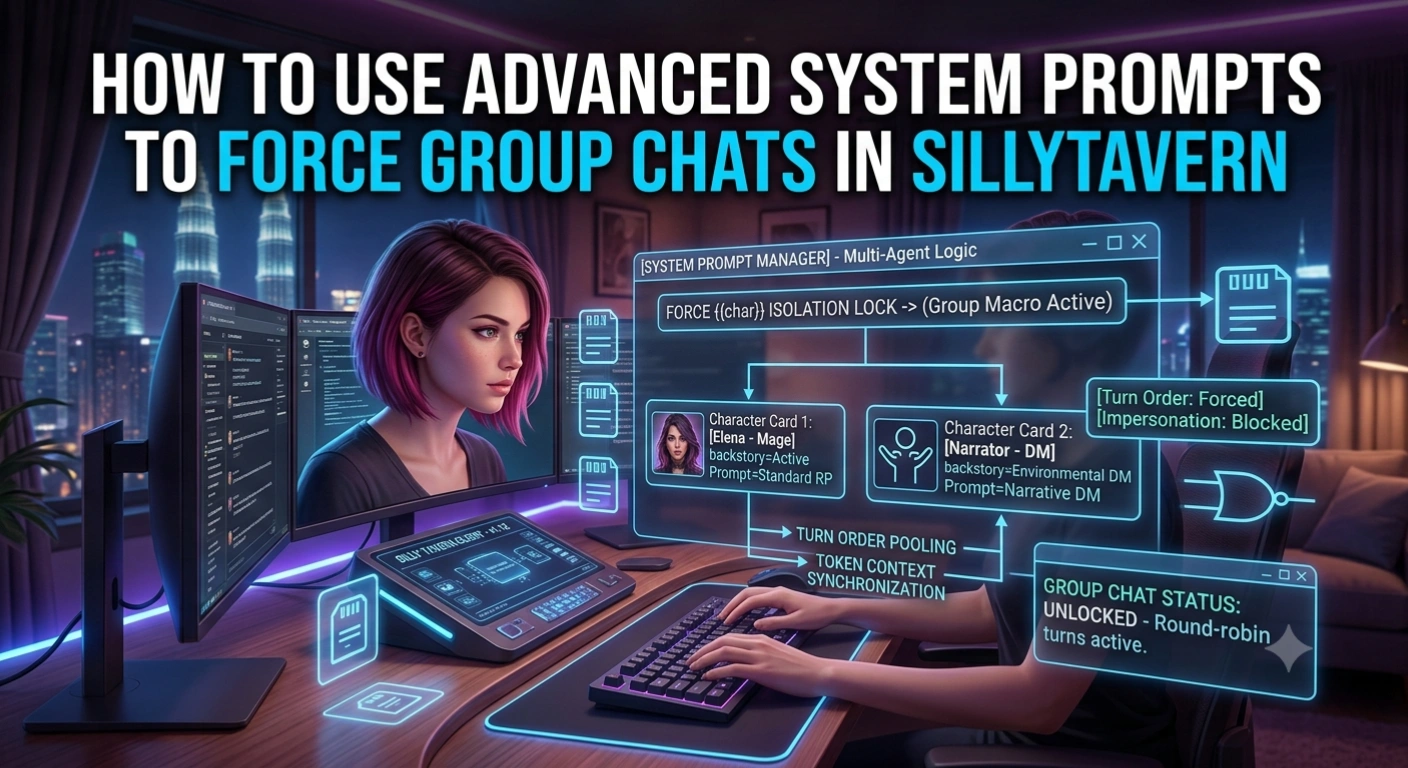
Running multi-character scenarios in SillyTavern is one of the most exciting ways to experience interactive fiction and digital companionship. However, standard group chat setups can quickly run into technical bottlenecks. Without precise configuration, characters often speak out of order, impersonate each other, or ignore the active scene entirely.
To build a seamless multi-character dynamic, relying solely on default settings isn’t enough. You need to leverage SillyTavern group chat system prompts to explicitly force speaker selection, manage token context, and keep every character locked in their distinct persona.
Here is your comprehensive guide to mastering advanced group chat prompting in SillyTavern.
The Root Problem: Why Group Chats Break Down
When you run a standard single-character chat, SillyTavern sends only one persona file ({{char}}) to the backend language model. But in a group chat, the system has to handle multiple character cards simultaneously.
By default, Large Language Models (LLMs) struggle with multi-agent tracking because:
- Token Confusion: The model forgets which character is currently active, causing
Bot Ato write dialogue on behalf ofBot B. - User Impersonation: High-temperature models often take control of
{{user}}, writing actions or responses for you. - Passive Drift: Secondary characters in the group list tend to go silent unless explicitly called upon by the user.
To solve this, you must override default system behavior using custom system prompts and group-handling modes.
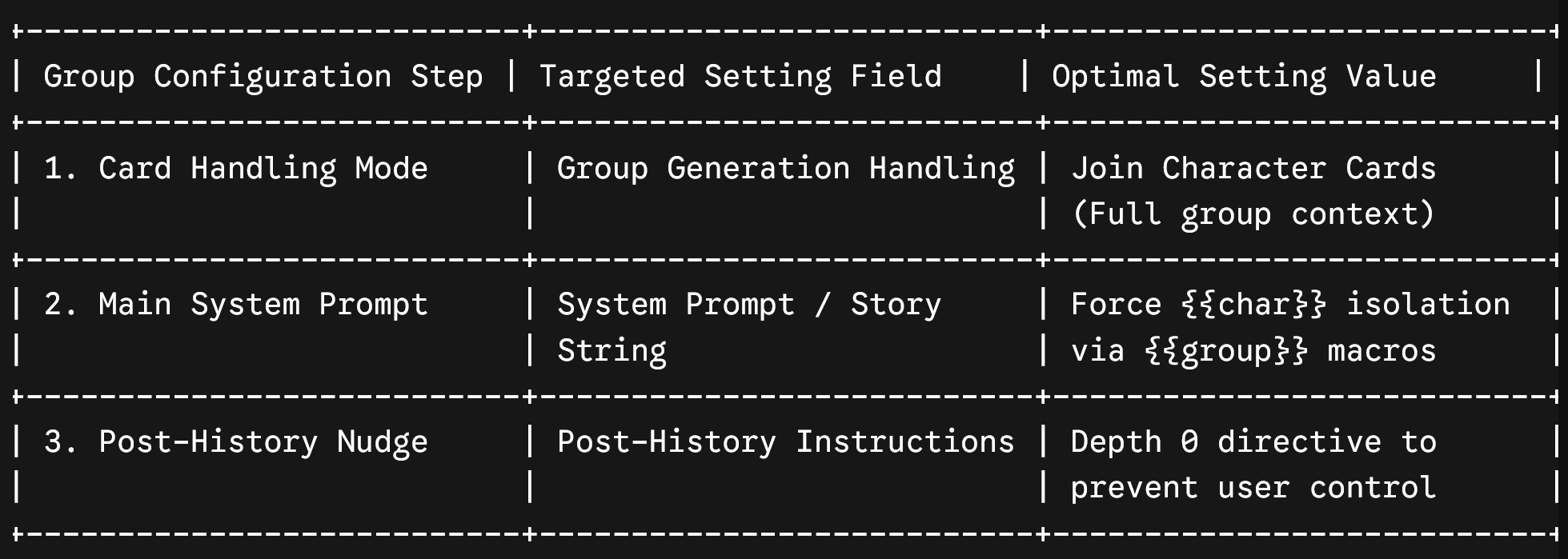
Step 1: Configure Group Generation Handling Mode
Before editing your system prompts, open your SillyTavern Group Settings panel and configure your structural foundation:
- Join Character Cards: Enable this setting if you want the underlying model to see all group member backstories at once. This gives every character complete awareness of everyone else in the room.
- Set Group Speaker Strategy: Change speaker selection to List Order (for structured round-robin turns) or Auto / Pooled (allowing the AI to dynamically pick the most natural speaker based on context).
Step 2: Craft the Master Group System Prompt
To keep characters from stepping on each other’s toes, navigate to Prompt Manager -> Main Prompt (System Prompt) and insert a dedicated multi-character directive block:
[Group Chat Rules & Execution Framework]
You are generating the next turn in a multi-character group RP between {{user}} and active characters: {{group}}.

You must ONLY write dialogue and actions for the currently active speaker: {{char}}.

Do NOT impersonate {{user}} or generate text for any other character in {{group}}.

Maintain strict persona isolation using {{char}}'s unique backstory, voice timbre, and personality traits.

Format all spoken dialogue in speech quotes ("…") and physical actions in standard prose or asterisks (…).
Why This Prompt Works:
- The
{{group}}Macro: Informs the model that it is operating inside an active group ecosystem, preventing it from getting confused when past messages contain multiple character names. - The
{{char}}Isolation Lock: Explicitly restricts the model to generating content only for the assigned speaker turn, instantly stopping cross-character impersonation loops.
Step 3: Implement Post-History Nudge Prompts
Because the system prompt sits at the very top of the context window, its influence can fade during long roleplay sessions. To reinforce boundaries, use Post-History Instructions (or the Group Nudge Prompt):
[Active Turn Directive: Write strictly as {{char}}. Do not control {{user}} or other group members.]Because Post-History instructions are inserted directly at the bottom of the message log (Depth 0), the LLM reads them right before generating its response. This guarantees high adherence to your speaker rules.
Pro-Tip: Adding an Invisible “Narrator” Card
If you want a DM or Gamemaster to orchestrate environmental events, create a custom character card named “Narrator” or “World” and add it to your group.
Use a specialized system prompt for this card:
“You are {{char}}. You do not participate in direct romance or dialogue. Your sole role is to describe environmental changes, ambient background actions, and NPC reactions within the scene.”
By triggering the Narrator card between character turns, you can introduce unexpected plot twists, weather changes, or external events that all group members can react to naturally.
The Verdict
Mastering SillyTavern group chat system prompts turns messy, unpredictable multi-bot chats into structured, highly immersive group experiences. By combining the {{group}} macro with strict turn-isolation rules and Depth 0 nudge prompts, you can comfortably host dynamic group interactions, party adventures, and multi-companion storylines without breaking character continuity.